Posts

Showing posts with the label Facebook

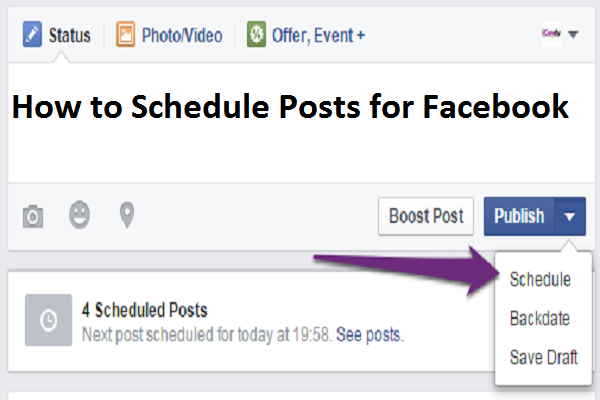
How to Schedule Posts for Facebook
Image
  Creating and scheduling posts on Facebook helps in supporting marketing or advertising campaigns. It is a great tool for businesses running on the platform. Sometimes, due to a lot of reasons, a need to edit a scheduled post arises. Keeping all of these things in mind, we have created this guide. Here, you will learn everything, from scheduling a Facebook post on your Android or desktop to editing a scheduled post. Also, how to schedule and edit posts for Facebook groups too. So, keep reading! Instructions to Schedule a Page Post on Desktop ●         Open Facebook on your desktop and move to your page. ●         On the left-hand side of this page, you will see an option named  Publishing Tools,  click on this. You will come across a range of useful posting options. ●         Now, look for a colored pencil icon named  Create post button,  select this...

Unable to Post on Facebook from Windows PC? Here are the Fixes

Image
  Facebook is a real-time social networking platform. This makes it one of the best sources to stay abreast with the latest news and happenings. However, at times users are unable to post anything on their timeline. If you are experiencing this issue, then do not worry. To fix the annoying issue, you simply need to check out the solutions given below. Check if you are not Banned Facebook, like most other popular social networks, has a list of guidelines and rules regarding content. It regularly updates its rules to tackle posts that promote violence, biases, prejudice, racism, and more. If you have been banned by Facebook, then you will get notified about it. Remove Cache of Browser You should pursue these steps provided below: Navigate to Google Chrome and launch a fresh tab. Thereafter, hold the ‘Shift + Ctrl + Delete’ keys to invoke the menu of ‘Clear browsing data.’ You should choose the ‘All-time’ option as the desired time range. Then mark the Cach...